VortiDeckBETA

YOUR DECK. YOUR TOOLS. YOUR WORKFLOWS.

Your tools.
In sequence.

Build your deck, connect your workflows and create overlays—all in one setup.

Windows desktop app · Optional phone or tablet deck

VORTIDECK DESKTOPACTUAL APP RECORDING
Explore the real interfaceInside Flow Builder ↗
THE CONNECTED ENGINE / SPATIAL VIEW

Signals arrive.
A routine takes shape.

VORTIDECKStart the show
OBS · Camera sceneDONE
Audio · Microphone onDONE
Overlay · WelcomeDONE
ACTIVE SIGNALDeck pressPHONE / DESKTOP

Interactive illustration. Scroll through the scene or choose an input to follow its route through the engine.

Preparing the signal
VORTIDECK / BEHIND ONE CLICK
01 / FROM YOUR PHONE

Your setup. Within reach.

An already-paired phone. Your desktop online. Tap a control and send the routine back to your setup.

EXAMPLE ROUTINE
  1. Spotlight scene ✓
  2. Welcome overlay ✓
  3. Audio cue ✓
ACTUAL APP RECORDINGWatch Flow Builder ↗
  1. 01 / FROM YOUR PHONE

    Your setup. Within reach.

    An already-paired phone. Your desktop online. Tap a control and send the routine back to your setup.

  2. 02 / FOLLOW THE CLICK

    A small input. In motion.

    Follow the illustrated signal from your phone to the desktop running VortiDeck.

  3. 03 / INSIDE THE ROUTINE

    A connection with purpose.

    VortiDeck receives the input and runs its configured routine. The processor is a visual metaphor for that work.

  4. 04 / CONNECTED ACTIONS

    One click reaches further.

    A scene, an overlay and an audio cue. Three example actions connected to the same routine.

  5. 05 / BACK TO THE APP

    Your setup. Connected.

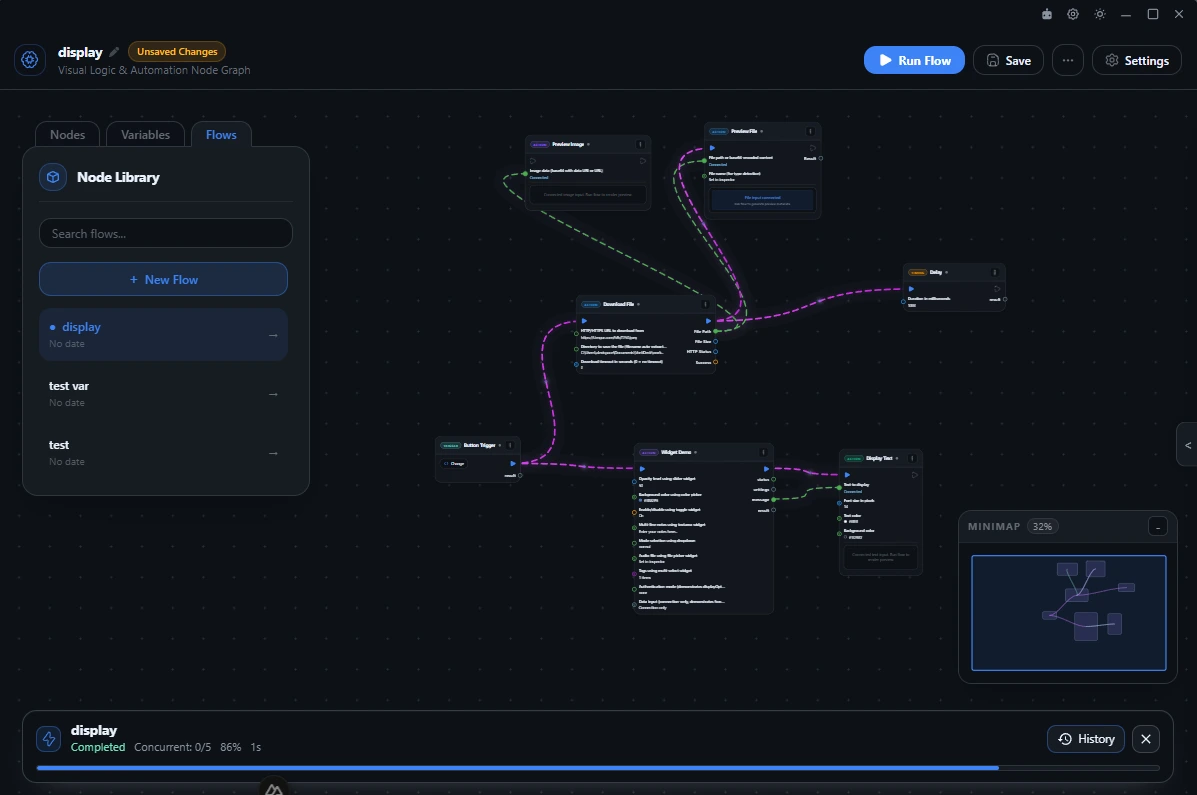
    This is the actual Flow Builder, where you arrange the inputs, conditions and actions yourself.

VortiDeck / Flow BuilderACTUAL APP RECORDING
SCROLL TO FOLLOW THE SIGNALModeled devices · illustrated routing · actual app screens01 / 05
CONTROL DECK

Your deck. Your widgets. Your layout.

Build a control surface around your workflow. The new widget layout lets you arrange and resize controls across multiple grid cells, from buttons and toggles to sliders and live information.

Plugins can provide their own deck widgets, adding custom interfaces and features. Widget availability depends on your installed release and the plugin’s supported surfaces.

Explore the deck ↗
VortiDeck / Deck assignmentsCONCEPT ART
Deck assignments - concept illustration
VortiDeck / Flow BuilderAPP SCREENSHOT
Flow Builder
FLOW BUILDER

See every step before it runs.

Connect triggers, actions and plugin tools on a visual canvas. Inspect inputs and follow execution, then keep the routine ready to launch from your deck.

Inside Flow Builder ↗
DESKTOP CONTEXT

Keep the action close to the work.

Bring saved VortiDeck routines into the Windows context menu as well as your deck.

Explore desktop actions ↗
VortiDeck / Windows context menuCONCEPT ART
Windows context menu - concept illustration
OVERLAYS & WIDGETS

Build what your audience sees.

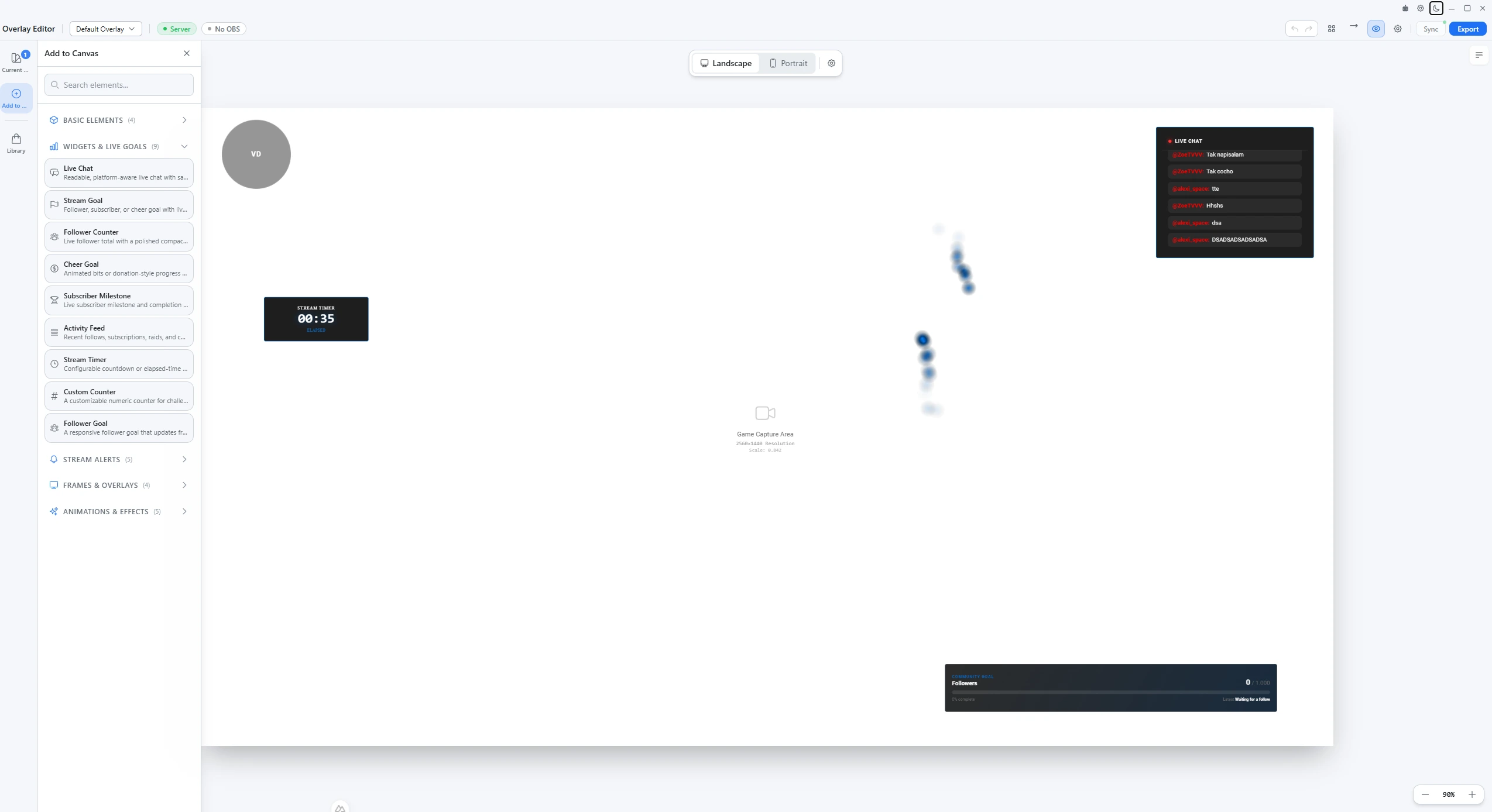
Arrange live chat, goals, timers and alerts on the overlay canvas. Bring your layout into OBS and connect it to your stream.

Plugins can contribute overlay widgets and custom features. Available controls and integrations depend on the widget and its permissions.

Explore streaming tools ↗
VortiDeck / Overlay EditorAPP SCREENSHOT
Overlay Editor
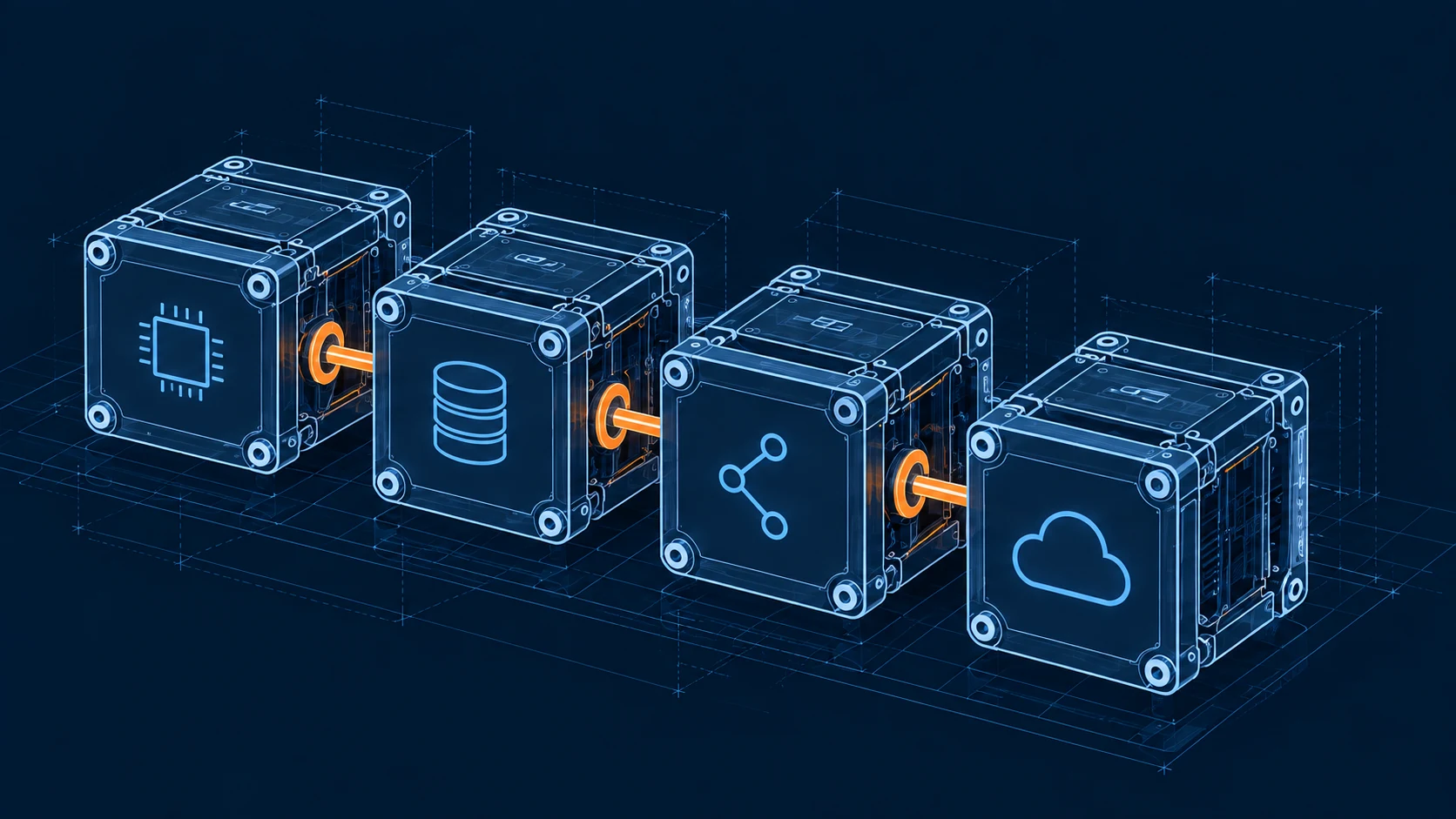
THE VORTIDECK MODULES

Four parts.
One connected setup.

Start with the controls you need. Connect more of your setup when you’re ready.

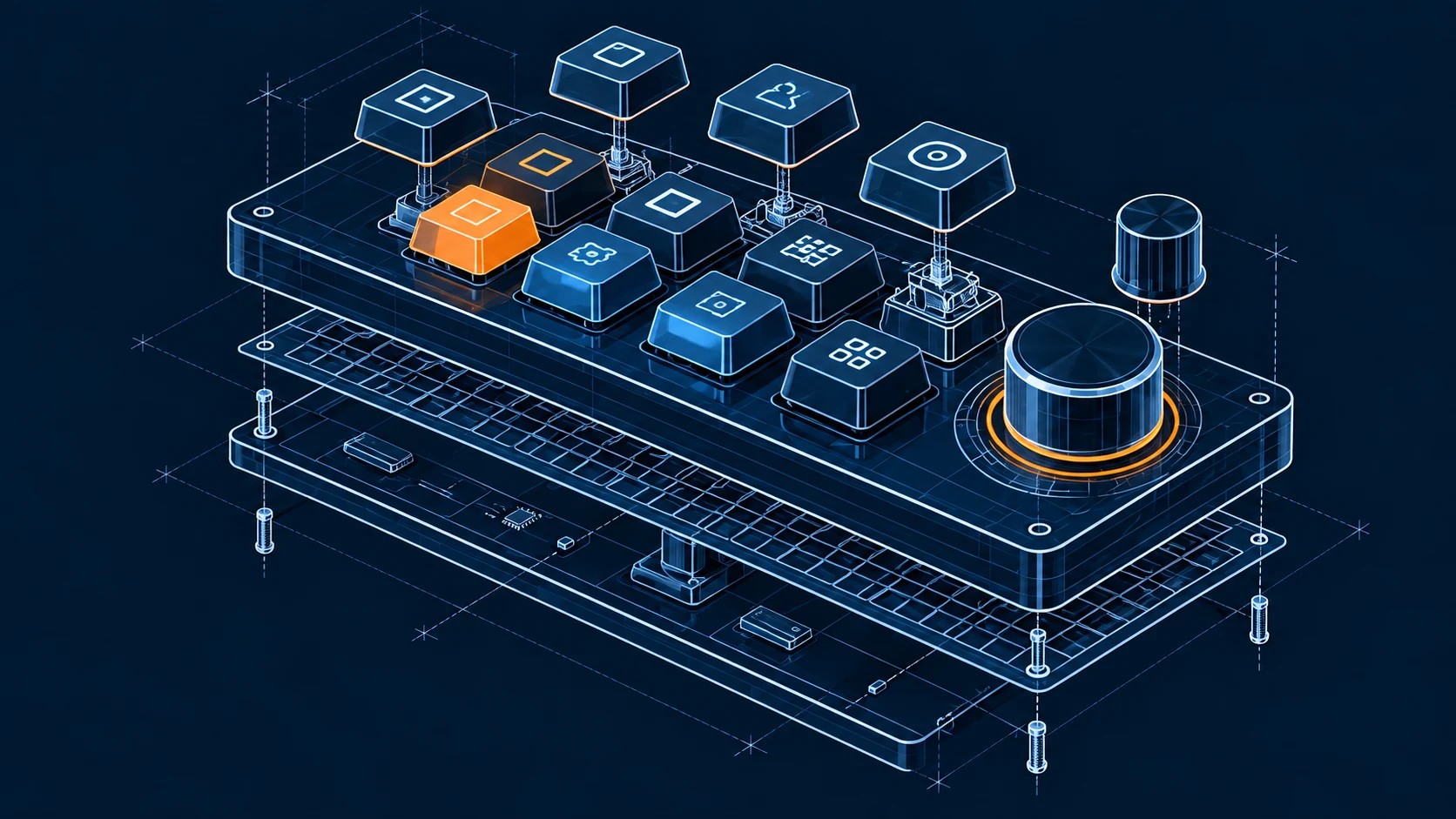
Physical metaphor for four connected software modules
BUILT AROUND WHAT YOU DO

A different day.
The same control.

Streaming / YOUR ROUTINE

Keep your attention on the show.

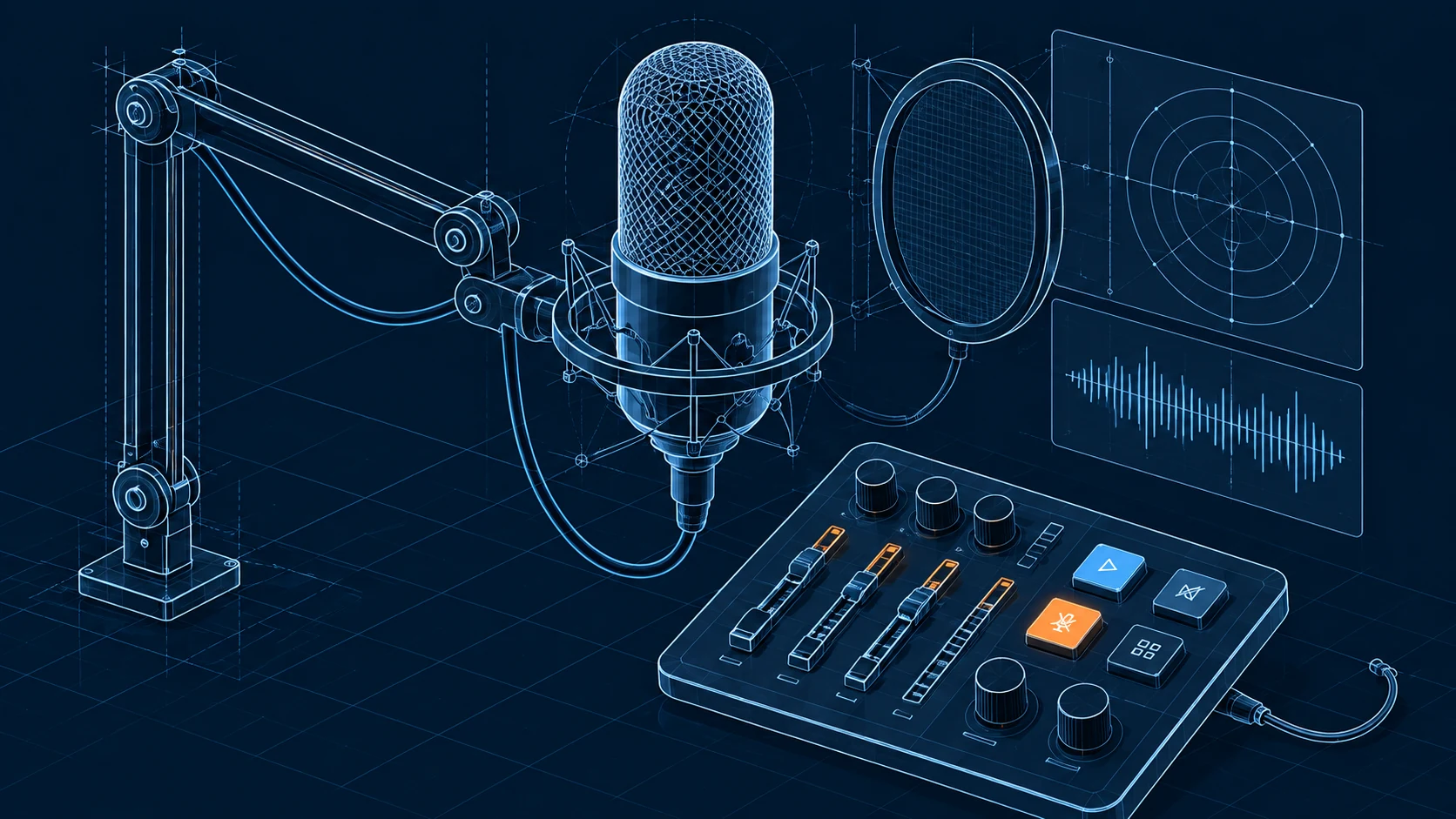
Put scene changes, microphone controls and your next cue within reach.

Build your own ↗
VortiDeck / Product interfaceCONCEPT ART
Product interface - concept illustration
YOUR SETUP STARTS HERE

Desktop first.
Your deck wherever you need it.

VORTIDECK DESKTOP
Concept illustration of a personalized control deck
01 / Install and build your controls
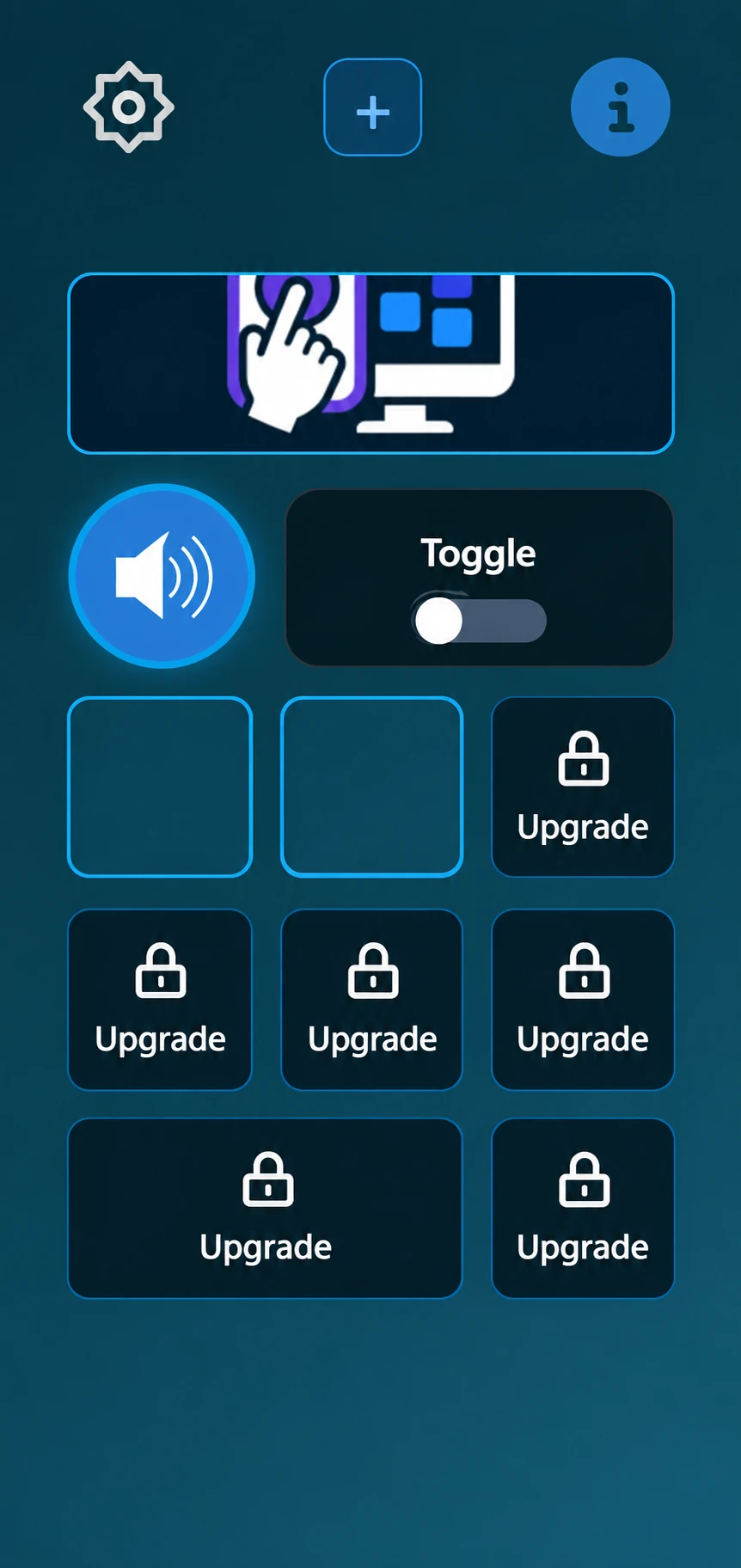
VortiDeck mobile deck with volume and toggle controls
02 / Scan the desktop QR codeUse the Android client from Downloads, then scan to pair.
PLANS / START WHERE YOU ARE

One useful surface.
Room for the whole setup.

Begin with a free deck. Move to Pro when your controls and connections need more space.

01 / FREE$0

Your first control surface.

  • 1 connected device
  • 8 buttons
  • 1 local MCP server
Download free
02 / PROMONTHLY · YEARLY · LIFETIME

Build without the small limits.

  • Unlimited devices and buttons
  • Unlimited local MCP servers
  • Unlimited AI node executions
See current Pro pricing

Review plan limits and availability on the VortiDeck plans page ↗.

ROADMAP / AHEAD

The next connections.
Out in the open.

A quick look at what is available, in development and planned.

Explore the full roadmap
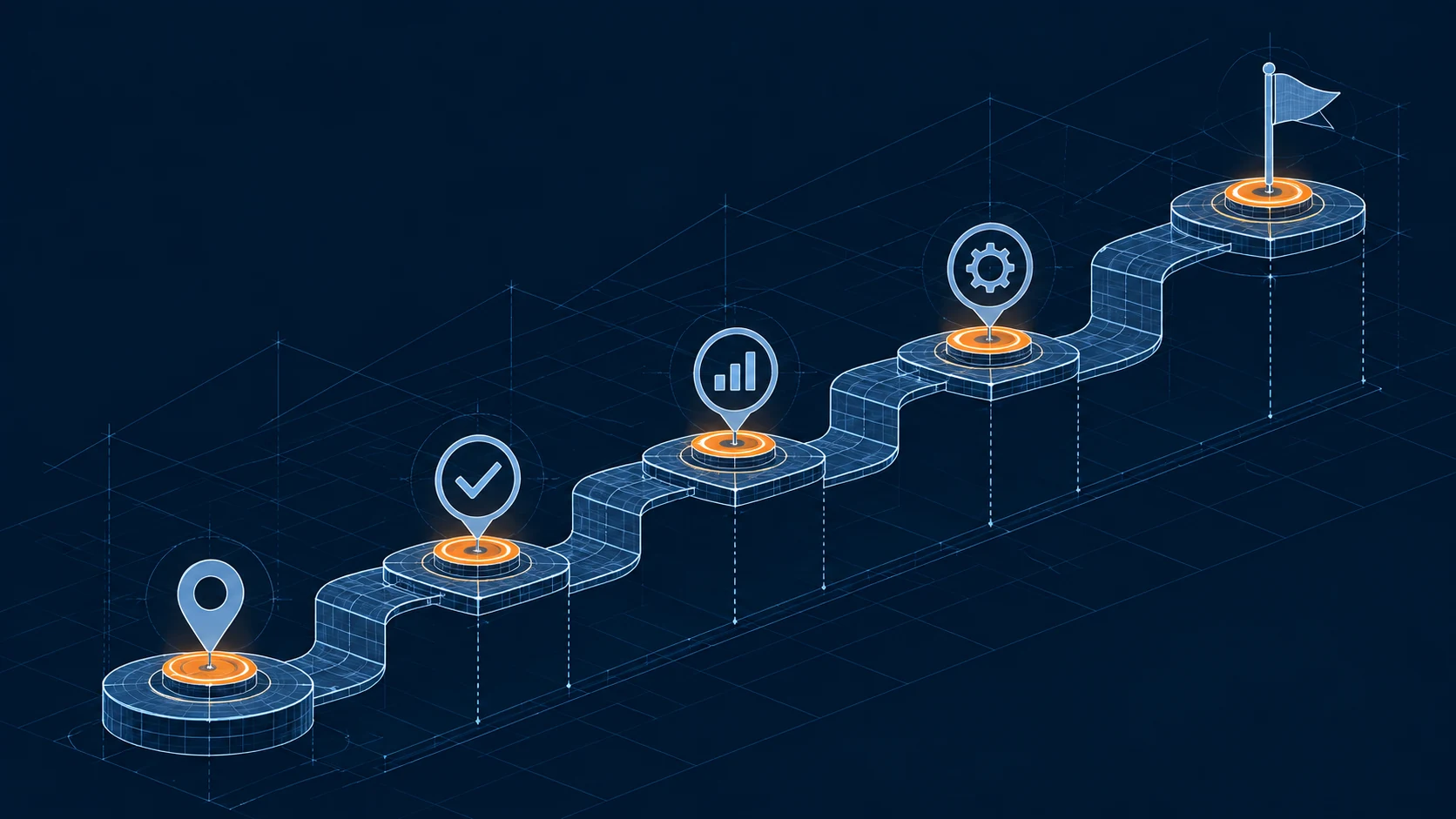
Illustrated path from completed connections toward future milestones
01
Planned

Cloud backups

Cloud backups for the app.

02
Available

Plugin system & SDK

Extend what your deck can do.

03
In development

Simulation dashboards

Controls and telemetry for racing and flight sims.

A FEW PRACTICAL THINGS

Before you begin.

Talk to support ↗
Is VortiDeck a physical controller?

VortiDeck is software. Build controls on your desktop and optionally connect a phone or tablet.

Do I have to use AI?

No. You can use ordinary controls and workflows; AI is optional.

What can I connect?

Explore the product pages for deck controls, OBS integration, Flow Builder and Windows context actions.

Does it work offline?

Local controls can work without cloud services. Online integrations, cloud sync and remote AI providers need an internet connection.

Where can I check plans?

See Pricing for the available plans and what each includes.

Where do I manage my subscription?

Sign in and open Account to view your subscription, change your plan or cancel renewal. The account page shows your access end date after cancellation.

Where can I read about my data?

The Privacy policy explains data collection, third-party services and your controls. You can review website analytics consent using Cookie settings in the footer.

BUILD IT YOUR WAY. TOGETHER.

Keep the conversation going.

Get help with a setup, share a workflow or follow the next release.

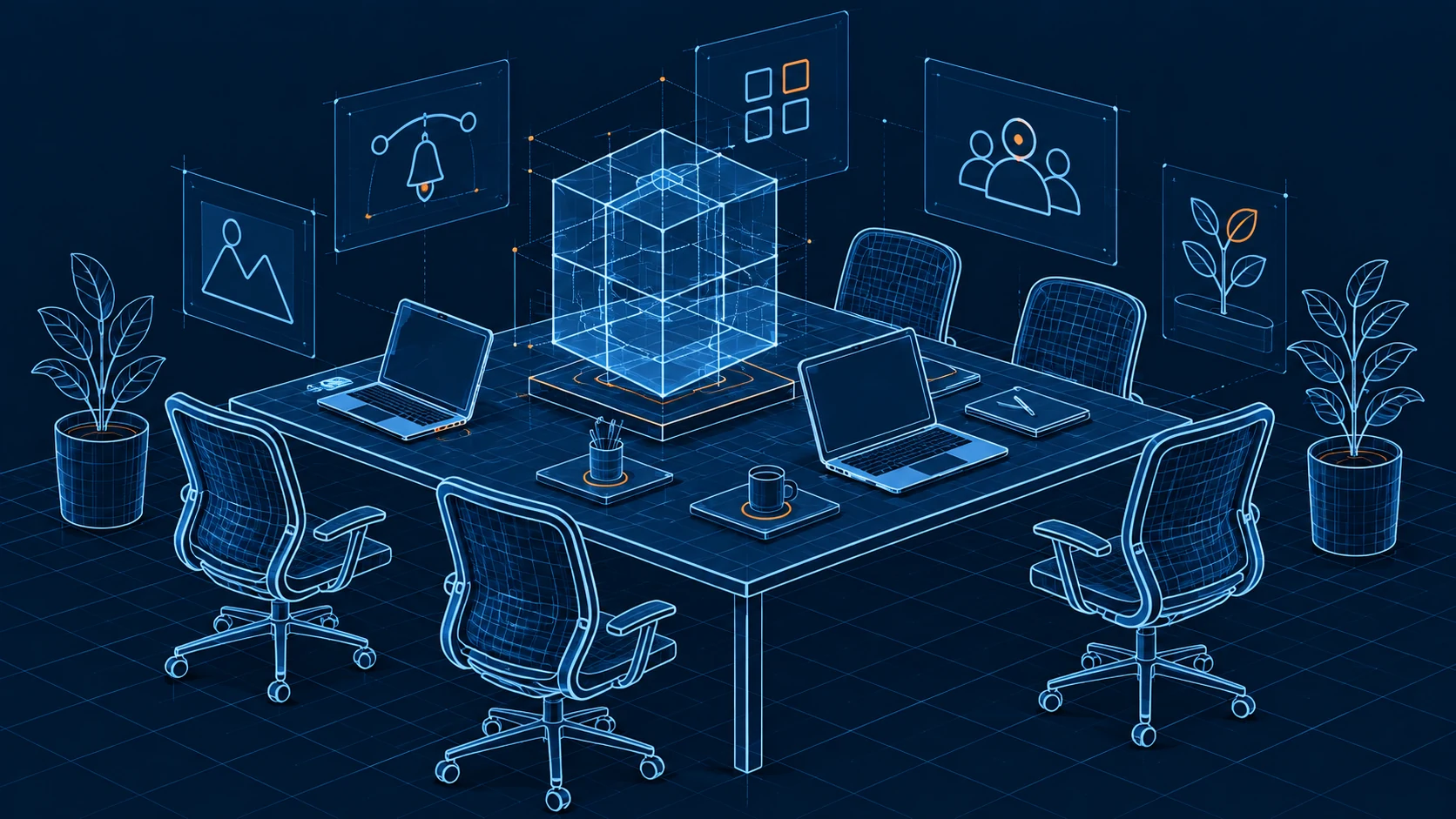
Concept of a shared creative workspace
THE NEXT CUE IS YOURS

Put your setup
within reach.

Get VortiDeck for Windows ↗