VortiDeckBETA
GET VORTIDECK

Your next routine.
Starts here.

Build your controls, connect your tools and run your workflows from Windows.

  1. 01Install
  2. 02Build a deck
  3. 03Connect
Need help getting started? ↗
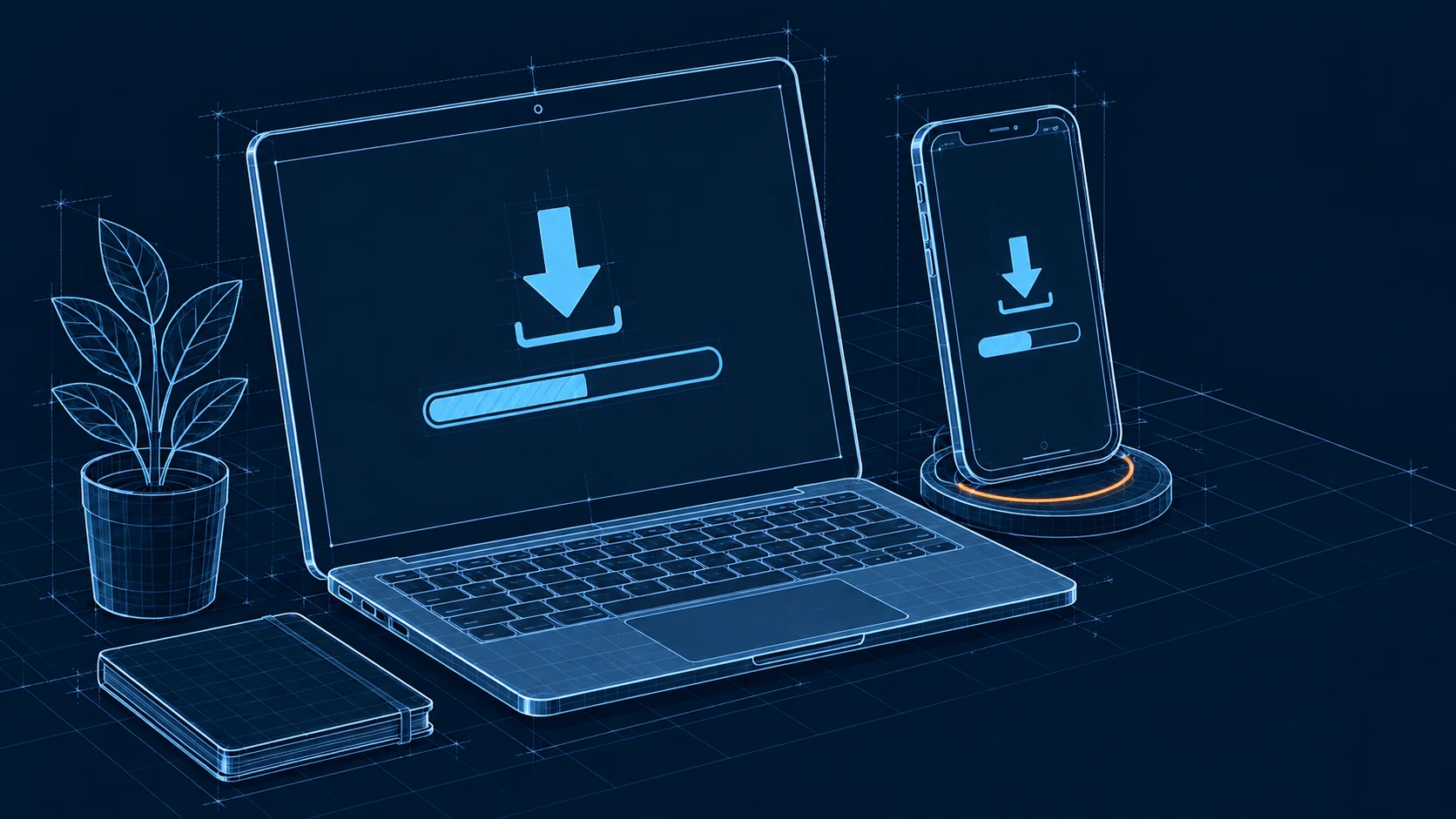
Desktop and phone setup concept
VORTIDECK / CONNECTED SETUP CONCEPT Desktop host + mobile client

VortiDeck for Windows

Desktop host · x64 · v0.7.2

Create decks and run your connected routines.

Download for Windows ↓Windows installer · .MSIRelease notes ↗

The desktop host runs on Windows for now. macOS and Linux are on the roadmap.

VortiDeck for Android

Mobile client · v0.4.8

Turn your phone into the deck. Pair it with VortiDeck on your Windows PC.

Download for Android ↓Android app · .APK

VortiDeck for iPhone

Mobile client · Coming Soon

The iPhone and iPad app is on the way. You can set up the desktop host on a Windows PC now.

Follow the roadmap →
CHOOSE YOUR SETUP

One host. Any control surface.

The desktop host runs your routines. The installed mobile client puts those controls on your phone or tablet.

01 / DESKTOP HOSTRuns your routines

More desktop platforms.

Install one host computer to build decks, connect integrations and execute every action.

LinuxComing Soon
View roadmap →
macOSComing Soon
View roadmap →
02 / MOBILE CLIENTDesktop host required

Control it from your phone.

Install the VortiDeck client app on your phone or tablet, then pair it with the desktop host to use it as your control surface.

ACTUAL APP
RECORDING
Androidv0.4.8
Download ↗
iOSComing Soon
View roadmap →