 VortiDeck
Your Decks, Everywhere
Desktop and Mobile
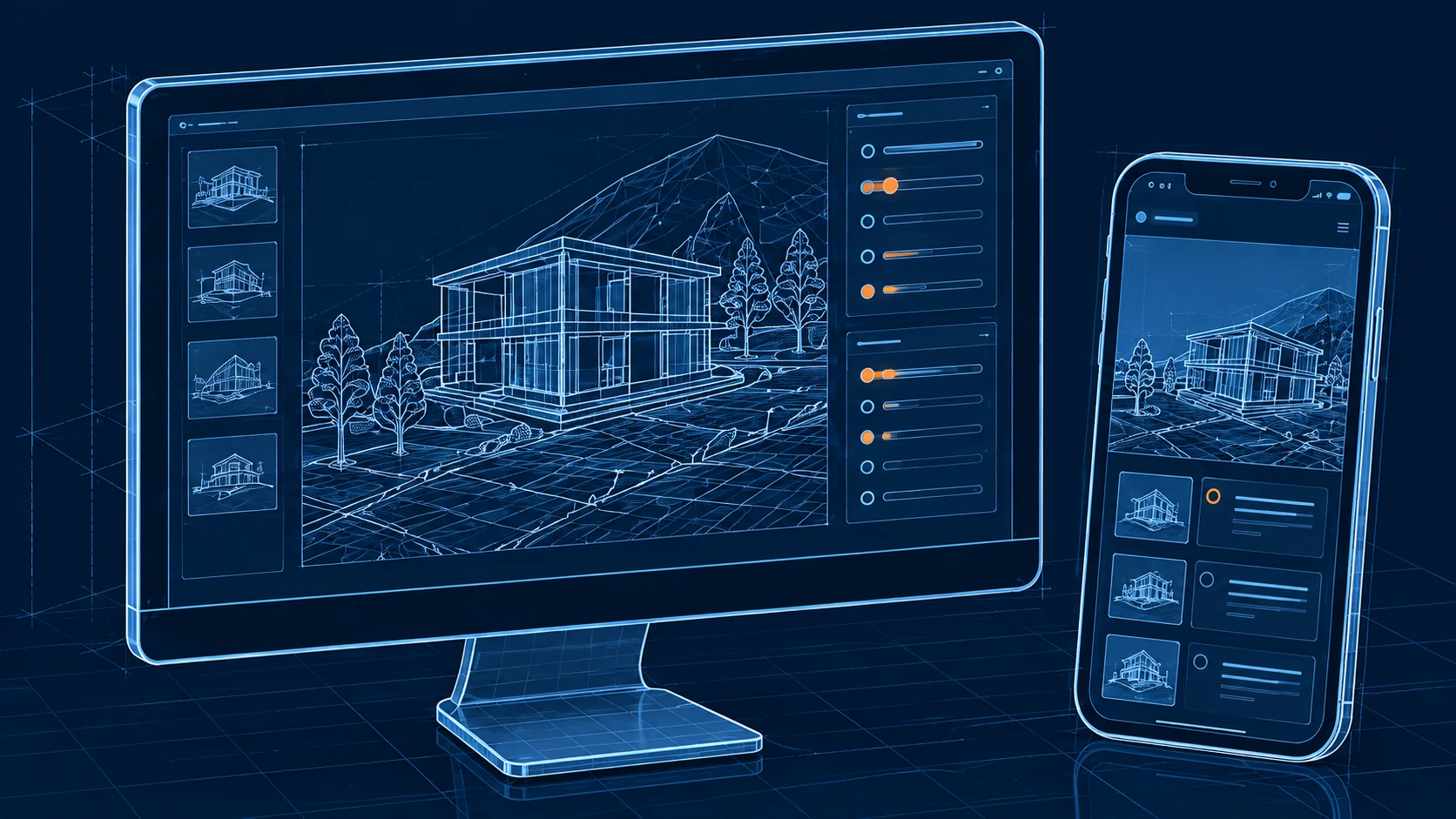
Pair a supported mobile client with your desktop. Cloud capabilities are separate from pairing and depend on your installed release and plan.
The Problem
Recreating your deck layout on every new device is tedious. A Windows reset means starting from scratch. Traveling between locations means maintaining duplicate setups. And if you lose your config files, everything is gone.
The Solution
Build your deck on the desktop, then pair the published Android client to use its controls. Cloud features are separate from this connection; check your installed release and plan for availability.
How It Works
Set it once, access forever.
Step 1: Create Your Deck
Build your buttons, assign actions and customize layouts in the desktop app.
Sync That Just Works
Reliable, fast, and designed for real-world use.
A Connected Control Surface
Build controls on the desktop and access them using a paired mobile client. Keep the desktop app running while using its actions.
Local and Online Actions
Local controls do not require a cloud service for every action. Online integrations do require connectivity. Keep backups of important configurations; automatic conflict recovery is not guaranteed.
More Capabilities
Mobile Control
Use a paired mobile client as a control surface for the desktop app.
Cloud Backups — Planned
Cloud backups are planned for the app and are not available yet. Release details will be added here when they are ready.
Configuration Changes
Review changes to your deck before using them. Do not rely on cloud version rollback unless it is available in your installed release.
Your Setup
Arrange the controls you need in the desktop app and connect a supported client.
Local and Online Actions
Local actions and online services have different requirements. Cloud services and remote integrations need a working internet connection.
Connection Requirements
Keep the desktop app running and follow the pairing instructions for your client and network.
Real-World Examples
Never worry about losing your setup again.
Same Setup at Home and Studio
Set up the controls needed for each desktop. Check which configuration transfer options your installed version supports.
Before a PC Reset
Back up important configurations before resetting your computer. Ask support about the restore options available for your installed version.
Share Configs Between Team Members
Running a production team? Export deck configurations and share them with your crew. Everyone gets the same button layout, same shortcuts, same workflow — consistent control across the team.
Sync Across All Devices
Start with the Windows desktop app, then add the Android client when you need mobile controls.
Download Free