VortiDeck

VortiDeck 0.7.2 is here, and it's the biggest update yet. The phone app has been redesigned, the Overlay Editor is new with a live OBS preview, deck themes now colour every widget, you can edit flow values right on the canvas, and flows survive a crash. VortiDeck is also open source now.
Download: vortideck.com/download · Source code: github.com/vortideck/VortiDeck
Highlights
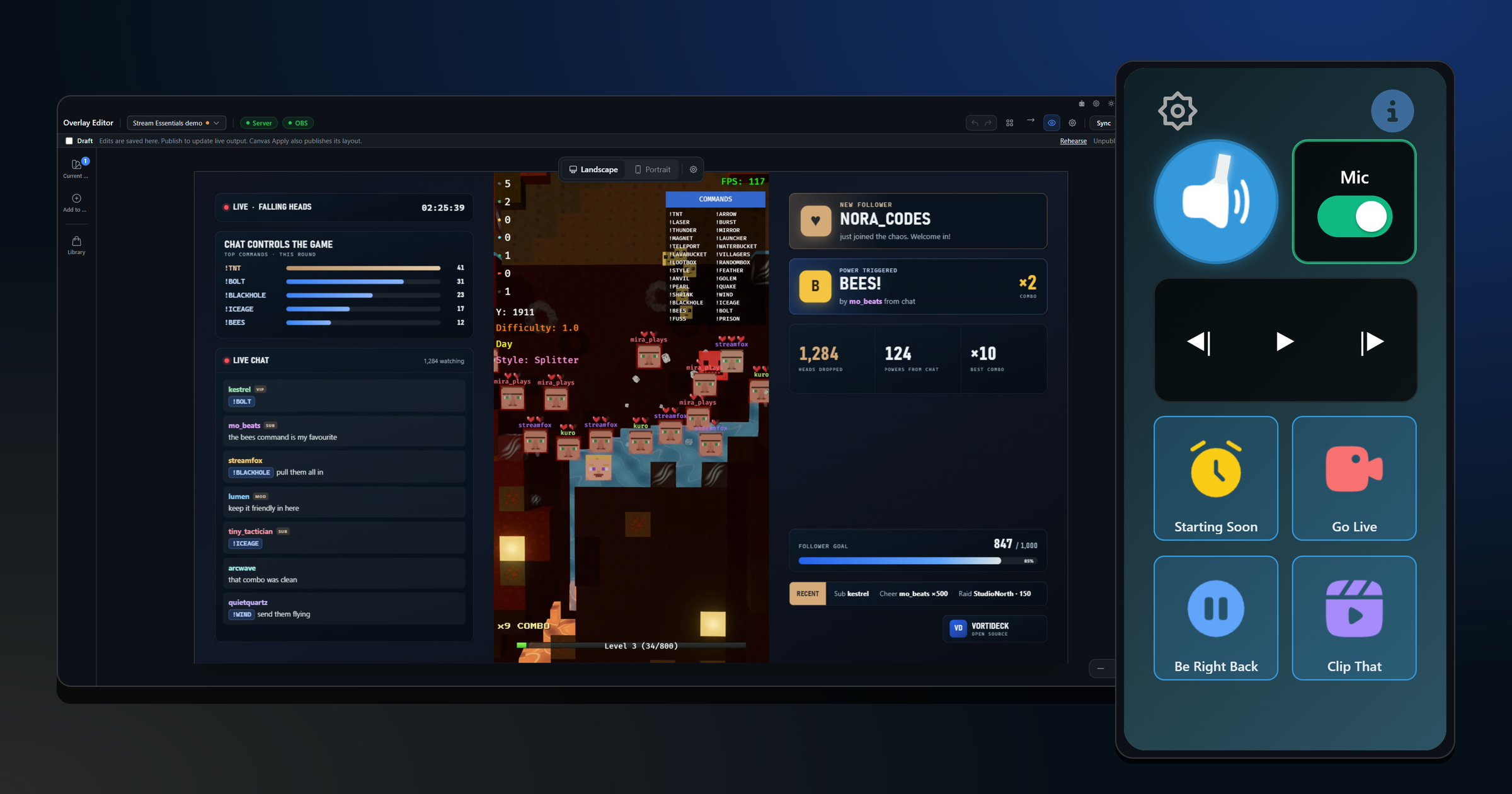
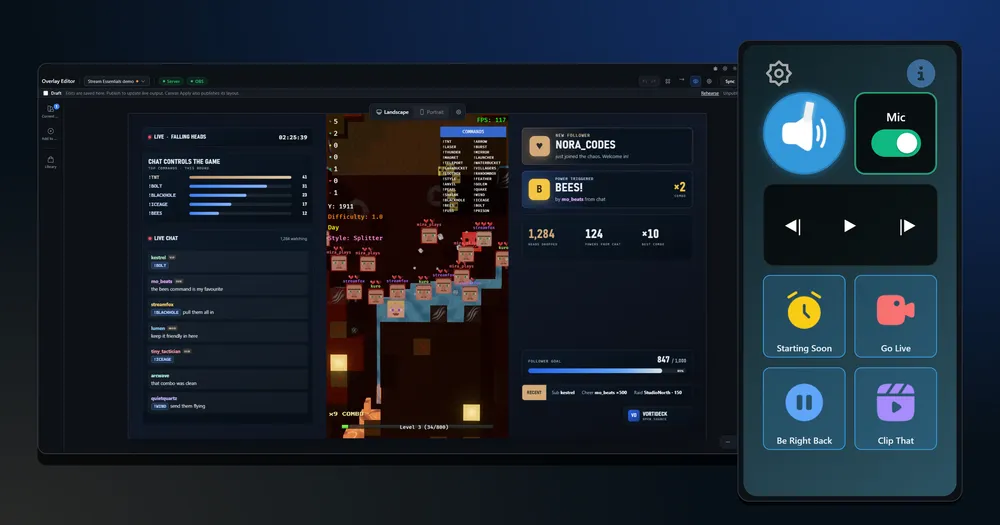
A new phone app. The Android app (0.4.8) has been redesigned to look and feel like VortiDeck, and your deck looks on the phone exactly like it does in the desktop simulator. Pairing is simpler:
phones stay paired without signing in, and keep reconnecting after restarts;
each phone keeps its own pairing, and a failed QR scan never breaks a pairing that already works;
you can remove a paired phone;
pairing keys are encrypted on the phone, with optional fingerprint unlock;
hold-to-repeat buttons also work over the remote relay.
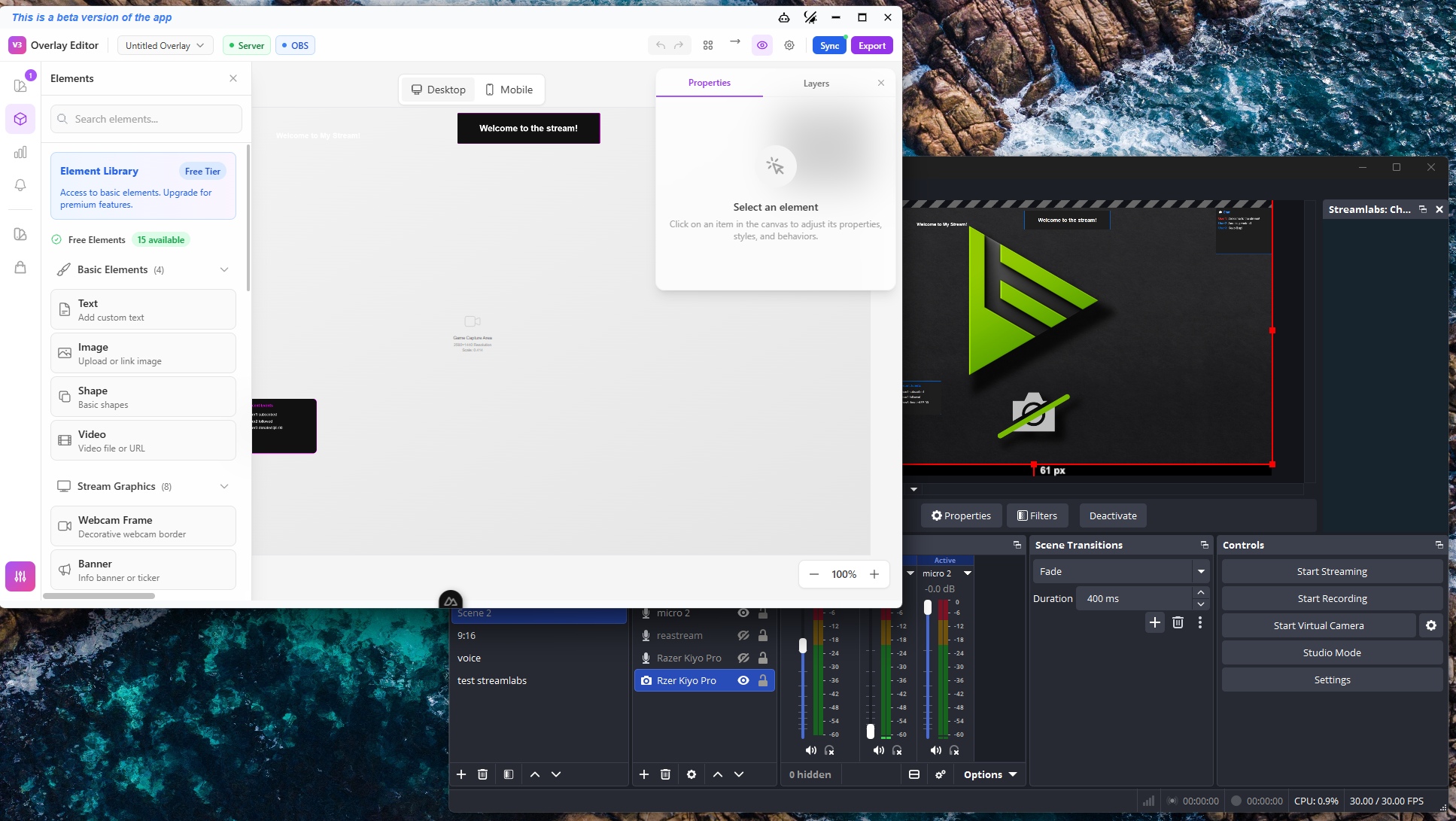
A rebuilt Overlay Editor.
Edit live: changes to the overlay that's on air reach OBS straight away. Other projects stay drafts until you choose Make live.
Rehearse with sample follows, cheers, raids and chat, in the editor or straight on your live overlay with Rehearse to OBS.
See your real OBS scene behind the canvas while you edit.
Align tools, smart snapping, box selection, and multi-select that works like in design tools.
Overlays that react to your stream. Chat messages, follows, subs, cheers and raids now drive overlay widgets in real time.
Themes for every widget. Every deck theme has its own colours, which you can edit, and decks and overlays share one colour format.
Better deck widgets. A fixed Toggle, knobs that stay inside their tiles, a readable Fader, status dots, a press feedback setting and a built-in icon picker. Live Chat now runs on decks, on your phone too.
Faster flow editing.
Edit simple values directly on a node, or double-click it for a full details panel.
Feed any input from a flow variable.
Find nodes in a compact, searchable library with List and Categories views.
Crash-safe flows. After a crash, flows continue where they stopped, and steps that can't safely be repeated wait for your decision instead of running twice.
Studio Copilot. The assistant can set up flows, overlays and deck buttons for you, and asks before every live change. It works with your own API key or with local models such as Ollama, and keys are kept in the Windows keyring.
Sponsors. Show your sponsors on stream on a schedule, and keep a record you can share with them.
Plugins. The plugin SDK has a documented contract and widget commands, and plugin tiles can run on phones. Try the Stream Essentials example pack: nine matching overlay widgets for chat, alerts, goals, session stats and recent events.
Also new
One default AI for chats and flow nodes. Local models (LM Studio, Ollama) are found automatically.
The assistant in more than one window.
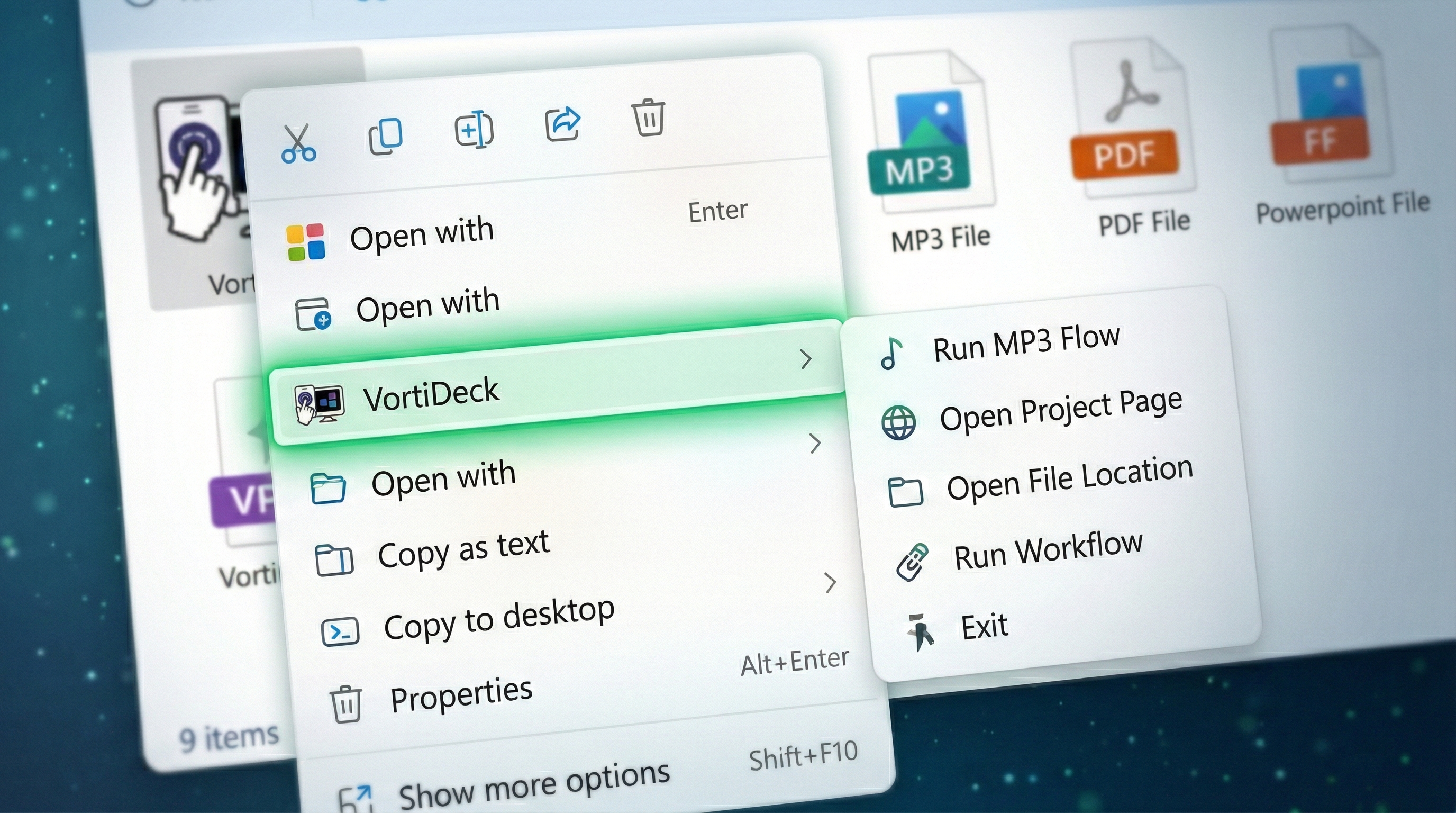
Macros can type text and fill in values while they run.
The deck simulator can stay on top of every other window.
One Add panel for overlay elements, widgets and alerts, with search and drag-and-drop.
VortiDeck in Polish.
Security and reliability
Hardened phone pairing and a restricted local phone connection.
Sandboxed overlays, validated CSS, and themes that can't load remote content.
Plugin permissions are enforced.
Database upgrades make a verified backup first.
Chat stays connected, and one event never runs a flow twice.
Credentials never appear in run details or logs.
Open source, and free
The desktop app, the phone app and the core are open source under GPL-3.0. The plugin SDK and the examples are MIT, so your plugins can use any licence.
Everything that runs on your PC is free, with no limits on devices, decks, buttons, flows or AI. Pro is for the hosted services: remote access through the VortiDeck relay and premium themes and icon packs, with cloud sync coming. See pricing.
Get it
Windows: vortideck.com/download
Android: from the same page
Questions and feedback: Discord · GitHub Issues
Release summary
VortiDeck 0.7.2
- Phone app redesignNew
- Overlay Editor with live OBS previewNew
- Editable deck themesNew
- On-canvas flow editingNew
- Studio CopilotNew
- Crash-safe flowsImproved
- Security hardeningImproved
- Open source on GitHubLive